
House of Bro Sneaky · beta 6
The SNEAK
Real person. Real movement. Real meeting. Not a chatting app. Walk Now means you are actually going. Show up. Meet. Have fun. Leave quiet is allowed. Friendship is optional.
trust — what each check actually meanshow it works
Real people. Real-time. In person. This walkthrough is an example only. It is not a live member.
Open People. Real members in your city. Not a public house map.
Alex
- SNEAKY is a discreet private meetup.
- Approved members only.
- Host can allow 1, 2, 3, 4, 5, 6 or more people (Plus up to 20).
- You may not know who else will show up. That is part of SNEAKY.
- GPS only detects arrival. It does not give permission.
- Arrival → SNEAK → enter quietly.
- No Wait. No Do Not Enter. No second host yes after arrival.
- Door stays accessible, or the approved member has the private keypad PIN.
- Quiet in and quiet out — especially if someone in the home is sleeping.
- Everyone must consent to any adult / sexual activity.
- Bro Sneaky does not accept escorts or paid dates.
- Hard drugs are not allowed. 420 / smoke is fine.
- Leave quietly when finished.
- Your Bro Sneaky puck stays on your account. Do not give it to a friend. Admin must move it.
See who is around
People shows members. Online first. Offline after. City only — never a public house map. Matching still follows orientation. A straight man does not match a gay man.
- Open People.
- Filter Women, Men, or identity.
- Tap a picture to open the profile.
- Walk Now is on Posts.
Name · city · looking for
Next: If you met in person, use Bump.
We met in person
Bump ≠ friendship. Bump only confirms: we actually met this person in real life. Sneaky and leave is normal. Add Friend is optional — now or later — and only if both people agree. Nothing is forced.
- Meet in person. Both phones confirm Bump.
- ✓ Bumped in Person. That only means you met.
- Sneaky and leave? Fine. No friend. No message.
- Later, if both want to connect, both Add Friend. Then full messaging. One no = no friend.
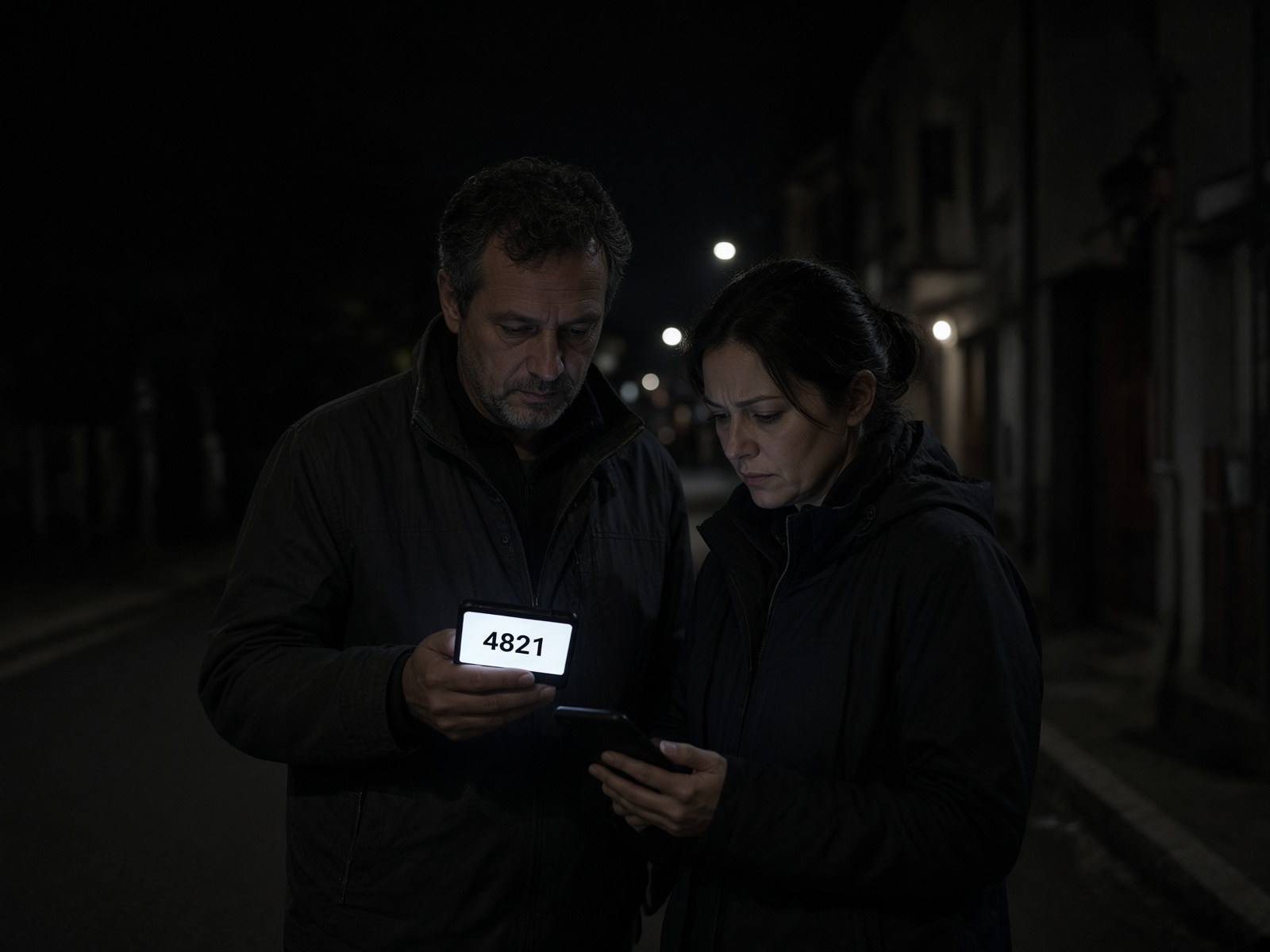
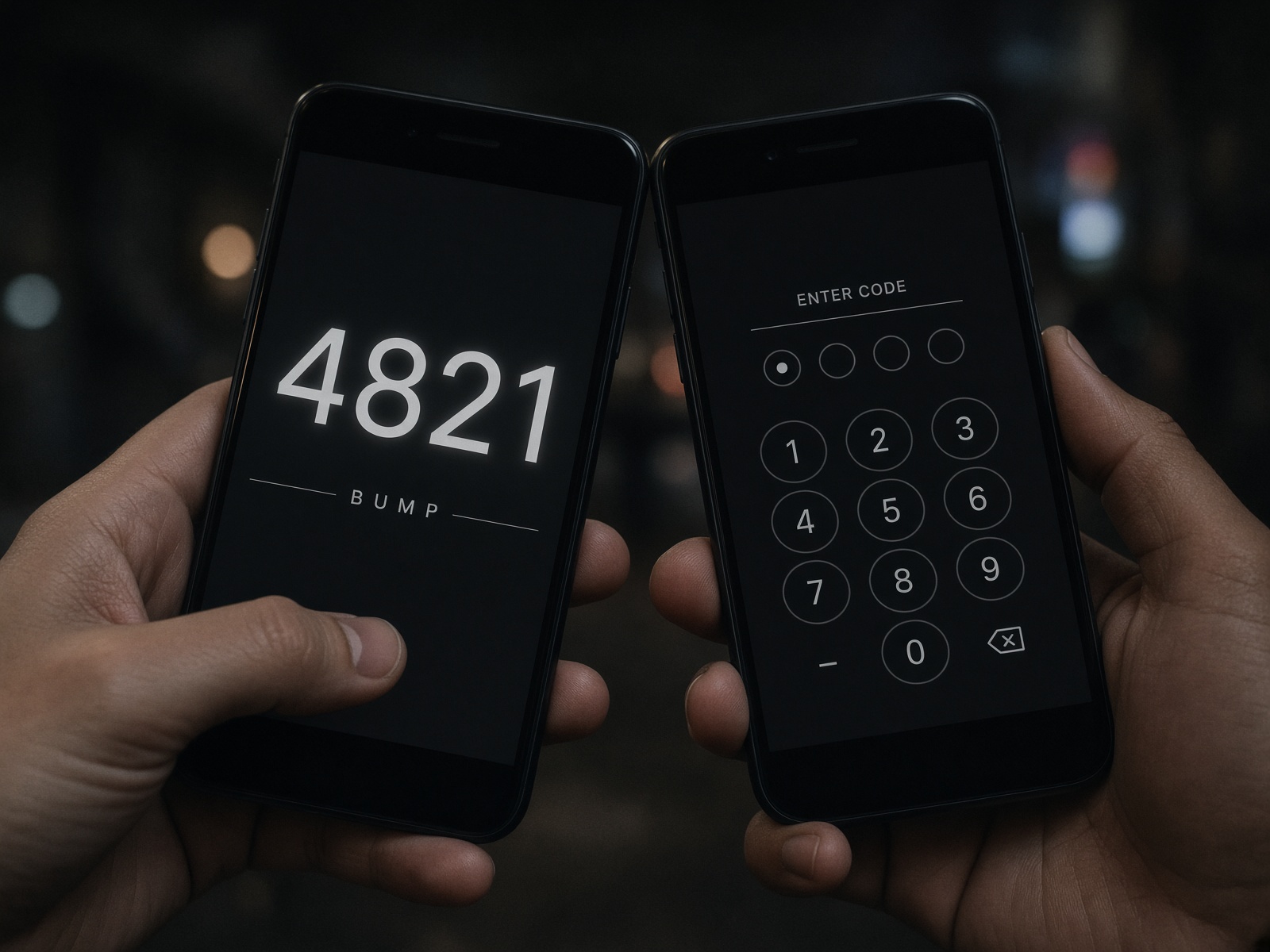
4821
Both phones on Bro Sneaky. GPS on. Code must match. If you are not standing together, Bump fails.
Next: No fake online Bump. No automatic friendship.
Start the trip
Walk means you are coming. Not a maybe. Do not waste the person who is waiting. After Walk, tap Start GPS. Sneaky means go in when you get there.
- Open Posts in your city.
- Read the OPEN post. City only — no street.
- Tap Walk.
- Tap Start GPS and allow location.
I’m here. Come meet.
Next: Your phone starts On the Way.
On the way → Nearby → Arrived
GPS is the trip to the host’s private pin. The host sees you moving on their post. Mapbox only. GPS never means you walked through the door.
- Start GPS on your phone.
- Follow the private destination.
- Status updates: On the way, Nearby, Arrived.
- Host watches the live map on their post.
Next: If this phone can hear the host D15N, you may see a real proximity confirm. GPS already has the SNEAKY location. The puck never unlocks a door.
Your city, live
Open, on the way, arrived, live now. Real counts for THIS city only. No fake heat. No public map of houses.
- Open Posts. City command is at the top.
- Live now tab is urgent posts and your active walk.
- Numbers update while people Walk.
- Addresses stay off the public feed.
Los Angeles
3
1
Next: If someone Walks to your post, you get the approach radar.
Host sees who is coming
When someone Walks to your post, you see them on the way. Distance and ETA. Not a public map of your house.
- They tap Walk and Start GPS.
- Your post shows them moving.
- Nearby, then Arrived.
- You do not have to say yes again. They go in quiet.
Alex · 0.6 mi · 8 min
Sam · nearby
Next: Night HUD is the same trip, full screen, dark.
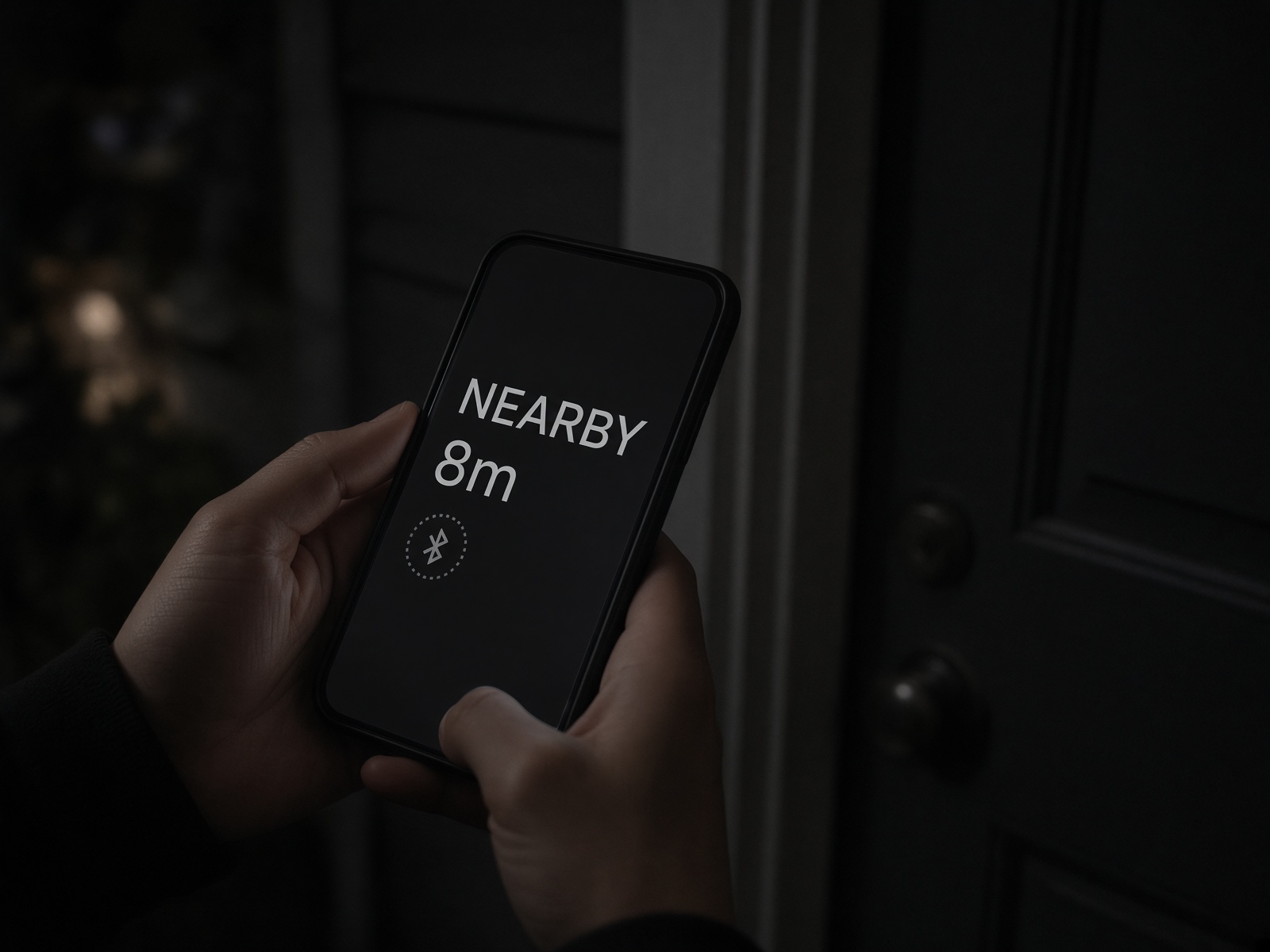
Dark walk screen
Full-screen dark. Distance. Status. Deaf-first: big type, flash, vibrate. iPhone can use the same HUD even if the puck is not heard.
- After Start GPS, open Night HUD.
- Keep the phone on. Follow distance.
- Nearby → Arrived → Sneak.
- Go in quiet.
0.4 mi
Night HUD is the dark arrival screen. iPhone always uses it. Android can also hear a D15N if the browser allows it.
Practice on this phone. Real GPS. Night HUD. SNEAK. Not a live SNEAKY. Nobody else sees this. We do not fake a city post.
Uses where you are as the door. Opens ARRIVED → SNEAK so you can read UNIT in the dark.
Next: The puck is extra confirm at the door. GPS already has the location.
Why the puck
The host leaves their assigned D15N at the SNEAKY location. Members do not program it. GPS in the PWA gets them to that location. If their phone can actually hear the puck, they get a real extra confirm they are at the correct SNEAKY — not a fake signal. Optional. ON when the host is down, OFF when not. Serial stays on that member’s M-code. Never unlocks the door.
- Host puts the puck at the door, in a drawer, or on a jacket.
- Host turns Beacon ON when they want people to come. Off when they are not in the mood.
- Guest Walk → GPS → nearby / arrived.
- Phone can show how far. Very close → SNEAK. Go in quiet. No knock.

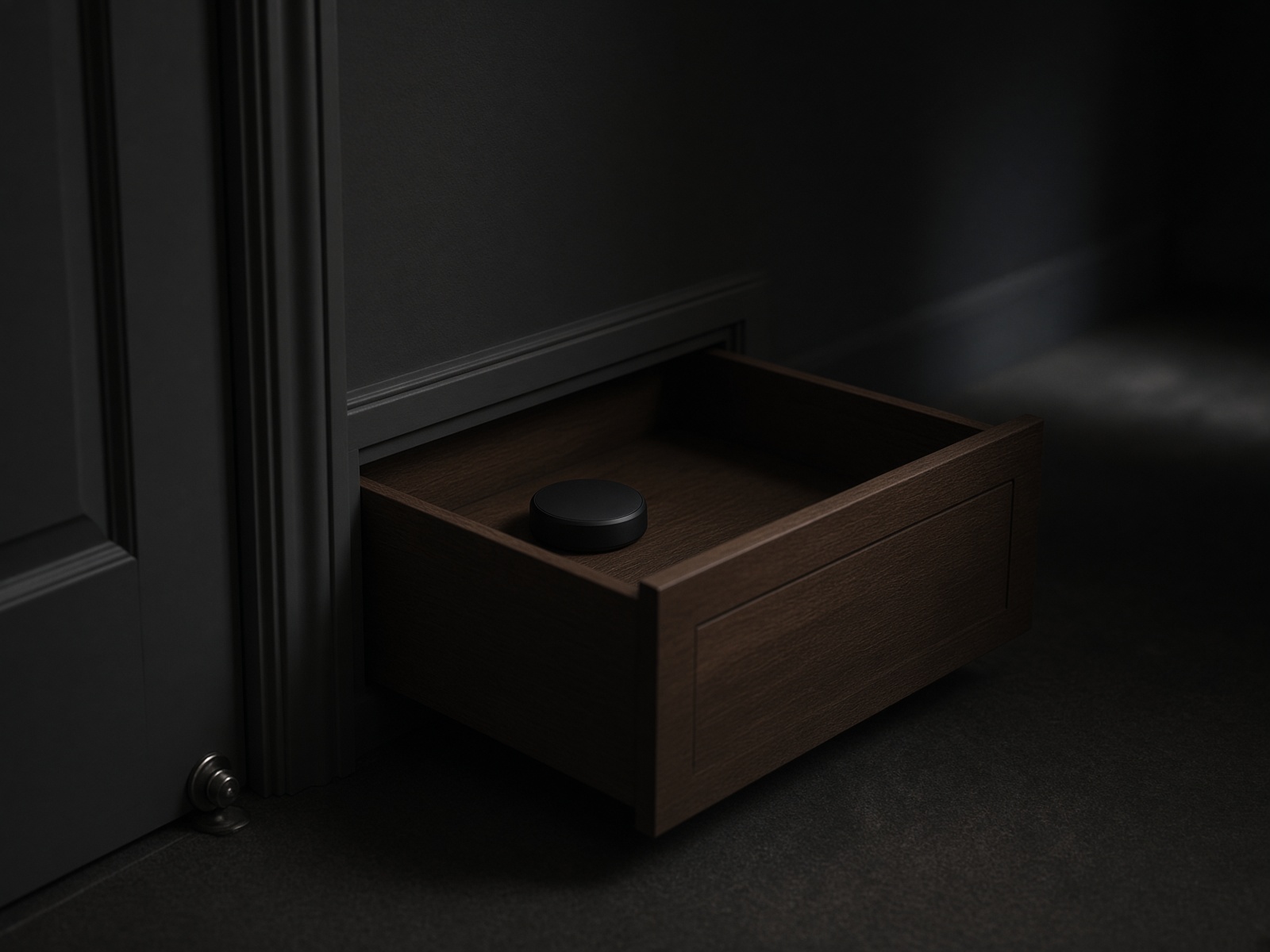
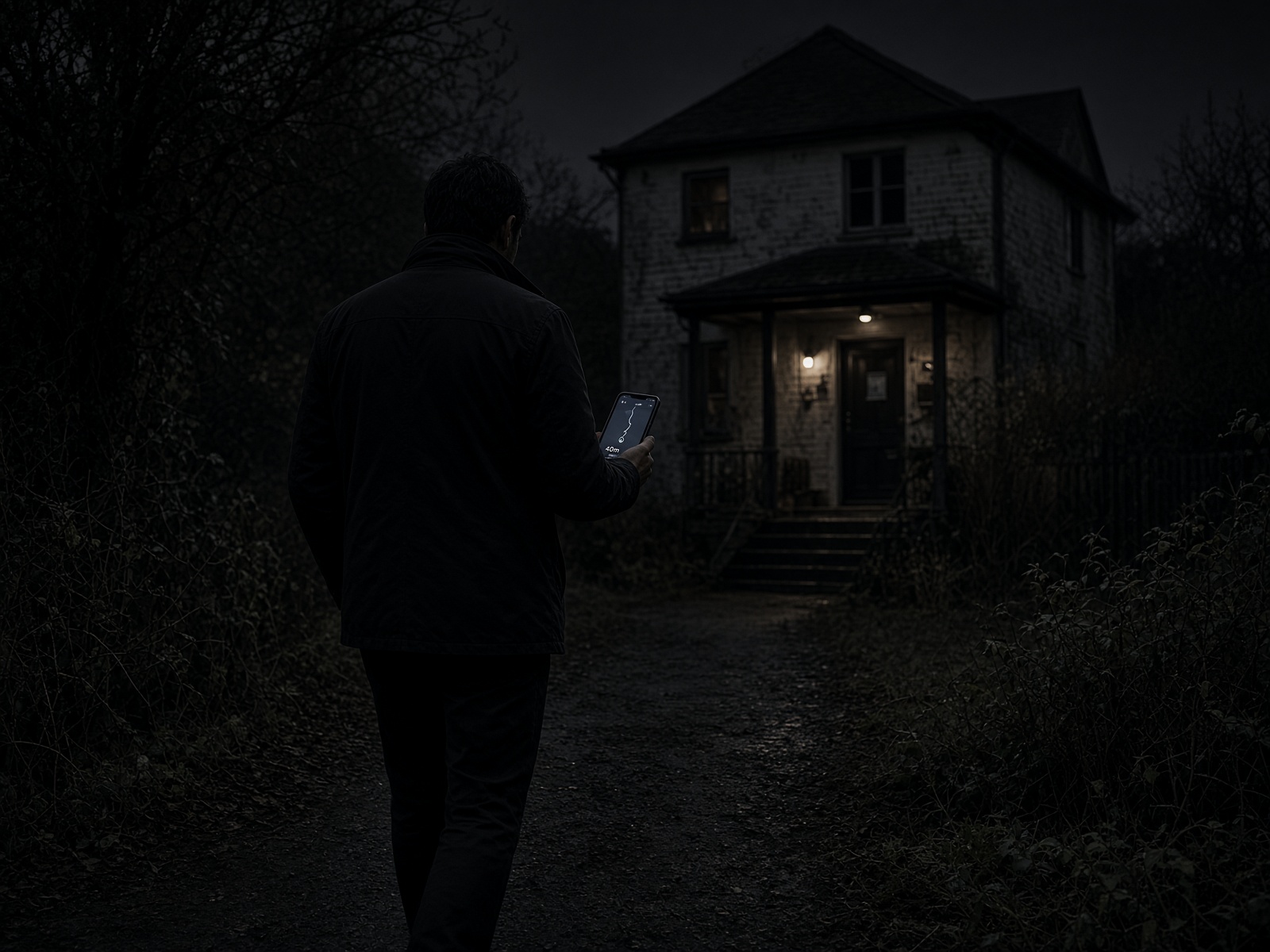
GPS = walk to this host
Puck = you are at THIS door, not the next building
Next: Then you get the host’s private entry notes.
How to get in
Front door is the SNEAKY DOOR: approved member enters quietly. Unlocked entry or a private keypad PIN. PIN is never public. Roommate may be sleeping — no knock, no doorbell, no yell.
- Host writes the real way in before you Walk.
- They can update it while you are on the way.
- When you are Nearby / Arrived, the notes open.
- Follow only what they wrote for this meetup.
Side door. Unlocked.
Next: Sneaky means go in. Do not wait outside.
Go in quiet
You have arrived. Enter quietly. Private adult time if everyone agrees. Leave quiet.
- Arrived.
- Read the entry notes.
- Tap Sneak.
- Walk in quiet. Close the door.
You have arrived. Go ahead and enter quietly.
Next: Tap I'm inside when you are in.
You are in
I'm inside is optional. It only tells the host you are through the door. You can tap I left — finished without it.
- At the door, I'm inside is optional.
- I left — finished stops live GPS.
- You do not have to tap I'm inside to leave.
Live GPS stays on.
Next: Phones stay discreet.
Keep it quiet on the phone
Lock-screen alerts stay generic. No street. No PIN. No ‘I'm at your house.’
- Alerts say you have an update — not the address.
- Entry notes stay in the app.
- Do not screenshot private pins.
- If you leave, tap I left.
You have a new update
Next: Host can have more than one guest.
More than one person
A host can approve more than one guest. You may not know who else will be there. That is part of SNEAKY.
- Host sets how many can Walk.
- Each guest has their own GPS line.
- Inside / Left is per person.
- If one leaves, the others can stay.
- Alex — Inside
- Sam — Together
- Riley — On the way
Next: If one leaves, the others can stay.
No longer present
If a guest who was together or inside leaves, they tap I left — finished. Their line becomes Left. Live GPS stops then. The meetup can stay open for the others.
- At the door, tap I left — finished when you go.
- I'm inside is optional and does not block leaving.
- Their line changes to Left. GPS stops.
- Other guests keep their own status.
- Alex — Inside
- Sam — Left
- Riley — Arrived
Next: Private location and GPS stop when the meetup ends.
Public picture vs private album
Public picture is a clothed front picture. Naked is not allowed there. Private album is only for people you share with. They must Accept. No disappearing photos. No timer.
- Put a clothed front picture on your profile.
- Add private photos on Profile → Private albums.
- On People, tap Private album to share.
- They Accept. Then it opens.
Share. They accept. Then they see it.
Next: Release notes and beta reviews stay under Send feedback.
Beta 6
This is the live Bro Sneaky build. Walk Now stays free. Plus is extra. No RSVP. No Events.
- Read the notes below.
- Send a Beta review from Send feedback.
- Safety reports stay separate.
beta 6
- Front page shows four real counts: Available, On the way, Arrived, Open. A zero means nobody is in that step.
- Sneak Now is on the front page and on People. It opens Posts.
- Sneak Radar is at the top of People: Brothers Available, On the Way, Nearby, Arrived.
- Distance is approximate only, such as 100 feet away or about 1 mile away. Never the house.
- Walk Now locks live GPS. You cannot stop it while you are on the way.
- Live GPS stays on through Inside. It turns off at Finished.
- Safety / Emergency is the only early stop.
- Anytime: morning, afternoon, evening, night, midnight. Not nighttime only.
- No RSVP. No Events. SNEAKY is a private in-person meetup.
Next: If something is broken, send feedback.
Need the door or puck on your account? Open Profile.